Privacy
Your bills never leave your phone. Here is why that is true.
Most expense apps are a phone front-end for a server. Your receipts are uploaded, read there, stored there, and shown back to you. SnapBill has no server. There is nothing to upload to.
What happens where
| Step | Where it happens | What leaves the phone |
|---|---|---|
| Photographing a bill | The camera, into the app’s private storage | Nothing |
| Reading the text | The phone’s own text-recognition hardware | Nothing |
| Picking out the amount, date, merchant, tax | SnapBill’s rules, on the phone | Nothing |
| Filing, searching, insights | A database on the phone | Nothing |
| Building the export ZIP | The phone | Nothing, until you share it |
| Sharing the export | Your choice of app: mail, chat, drive | The ZIP, to the place you chose |
| Sending feedback | Your own mail app | The email, only when you press send |
By design, not by setting
There is nothing to log into, because there is nothing on the other end.
- No account, no sign-inThe app never asks who you are. It does not need to.
- No serverSnapBill has no backend. It does not phone home on launch, on save, on export, or ever. Put the phone in airplane mode and every feature works exactly the same.
- No analytics, no trackingThere is no analytics SDK, no advertising SDK, no crash reporter that uploads content. We do not know how many bills you file, what you spend, or that you opened the app today.
- Private storagePhotos, PDFs, the database and your settings live in the app’s own protected area of the device. Other apps cannot read them. An optional PIN locks the app itself.
- One deliberate exitData leaves as an export you generate and share yourself: one file, one action, to a destination you pick from your own share sheet. The app never sends anything on your behalf.
What that means in practice
- We cannot see your bills. Not in aggregate, not by request, not by accident. There is no copy.
- Nobody can ask us for your data, because we do not have it.
- If you lose the phone, the data goes with it. Export monthly and keep the ZIPs where you keep your files. That is the backup.
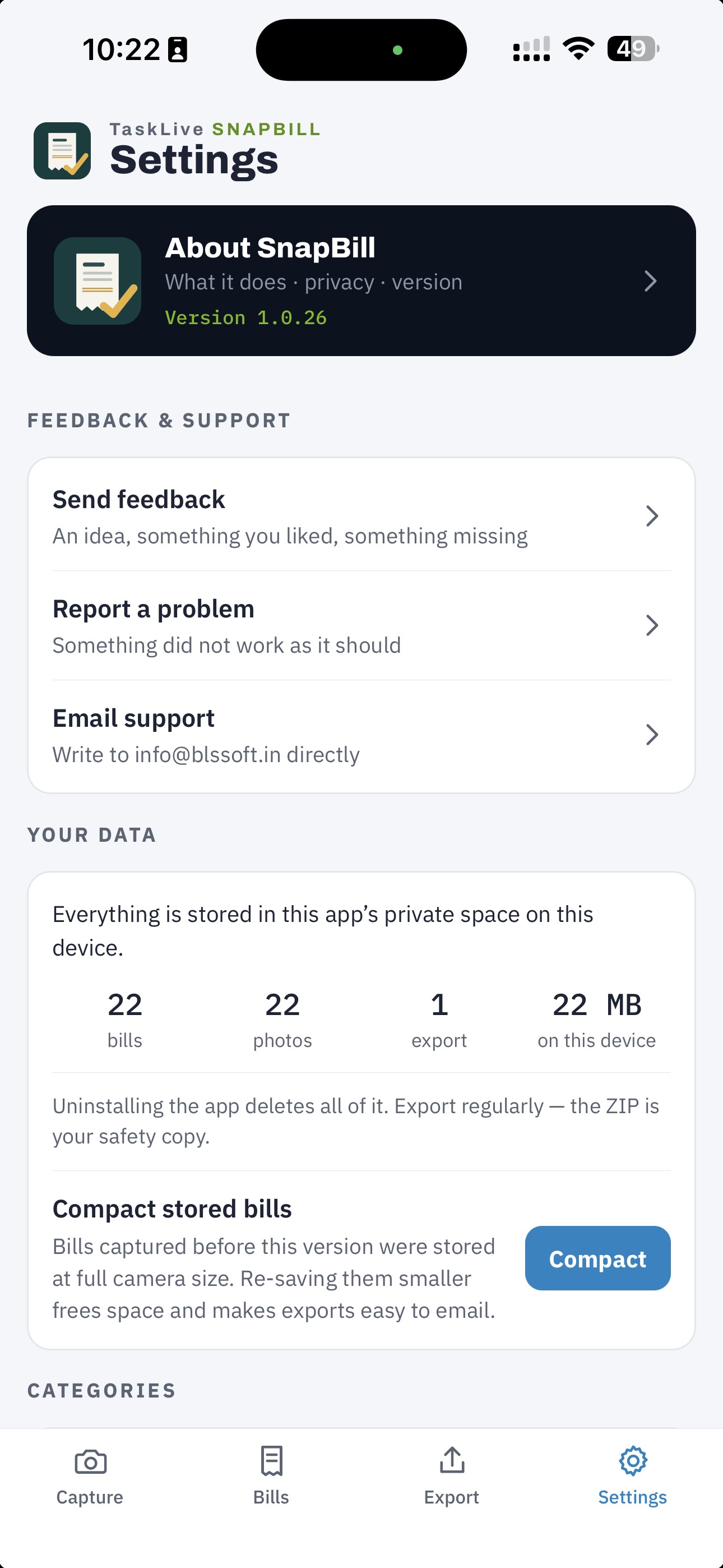
- Uninstalling the app deletes everything it stored. The Settings data panel says so, next to the count of bills and megabytes on the device.
The honest footnotes
- Text recognitionSnapBill uses Google ML Kit’s on-device text recognition. The recognition itself runs entirely on the phone and bill content is never sent anywhere by it. On Android, the component’s separate diagnostics reporting is switched off in the build and has been verified silent on a device.
- FeedbackThe feedback screen composes an email on the device and hands it to your mail app. The message carries the app version and device model. Bill text and the photo are attached only if you switch them on, and the screen shows the exact text before you send. We keep those emails in our support inbox and use them only to reply to you and fix the app.
- PermissionsCamera, to photograph bills. Photo or file access through the system picker, only for the files you choose. That is all.