For accounts teams
One ZIP per person per month. Nothing to install on your side.
Someone in your company uses SnapBill to photograph their expense bills. At month-end they send you one file. This page explains what is in it and how to work with it.
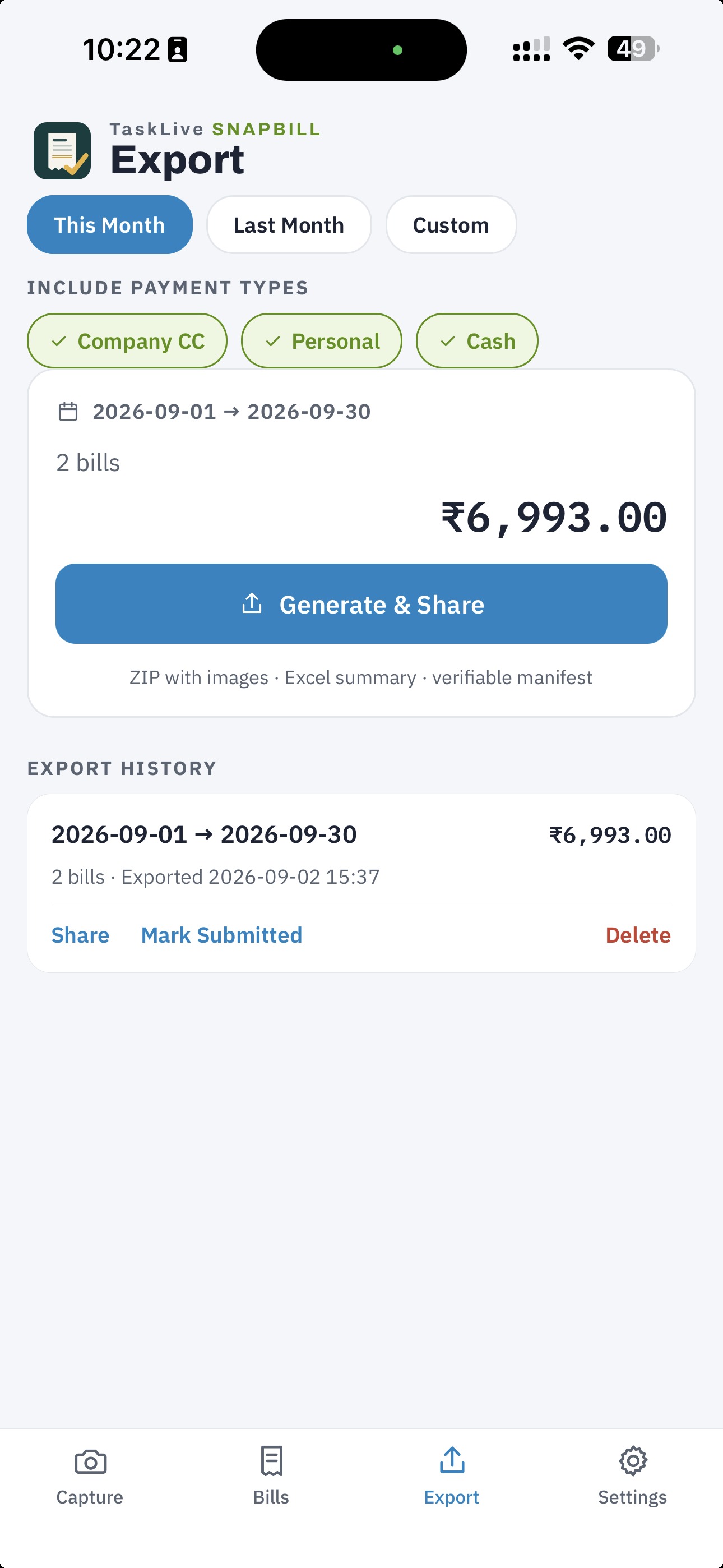
What arrives
SnapBill_2026-08-01_2026-08-31.zip
├── manifest.json        machine-readable record of the whole package
├── Summary.xlsx         one row per bill, plus a Totals sheet
└── bills/
    ├── company-cc/      one folder per payment type
    │   ├── 2026-08-03_Indian-Oil_2450.00_1.jpg
    │   ├── 2026-08-14_Indiana-Delights_30.10_1.jpg
    │   └── 2026-08-14_Indiana-Delights_30.10_2.jpg
    └── personal/
        └── 2026-08-20_Big-Bazaar_111.00_1.jpg
- The file name is the date range. Nothing else to decode.
- Bills are grouped by payment type. Take the whole
company-ccfolder to the company ledger and leavepersonalbehind. Folder names are the user’s own payment-type labels, slugified. - Image names are self-describing: date, merchant, amount, and a sequence number so two bills from the same place on the same day for the same amount never overwrite each other.
- Multi-page bills appear as one row in the Excel with several image files listed, separated by semicolons.
- PDF invoices stay PDFs inside the package.
Summary.xlsx
Opens in Excel, Google Sheets, LibreOffice, or anything that reads XLSX. No macros.
Sheet 1 · Bills , one row per expense:
| Column | Contents |
|---|---|
| Date | Bill date, ISO format (2026-08-14) |
| Merchant | Printed merchant name |
| Address | Merchant address as printed |
| Invoice No | Invoice / bill / receipt number |
| Category | Travel, Meals, Fuel, Lodging, Other, or the user’s own categories |
| Amount | Amount paid, net of discounts, in the bill’s own currency |
| Currency | ISO code as printed: INR, AED, USD … |
| Rate, Amount (INR)* | Only when the package holds a foreign-currency bill. The rate the user entered and the converted figure, marked as an estimate |
| Tax No (GSTIN/TRN) | GSTIN on Indian bills (check-digit validated), TRN or VAT number elsewhere |
| CGST, SGST, IGST | Only when the package holds a GST bill |
| Tax, Tax % | Only when the package holds a VAT bill |
| Payment | The payment type the user assigned |
| Notes | Free text |
| Status | Pending or Submitted; blank for personal, non-claim bills |
| Image File | Path inside bills/, one per page |
Sheet 2 · Totals. Exact subtotals per currency first. Then the converted total in the user’s home currency, labelled an estimate, and a count of any bills that could not be converted. The gap is always stated, never hidden.
manifest.json
The manifest is for systems, not people. It carries schemaVersion, the date range, the count and
total, every expense record with the same fields as the Excel, and for every image its path inside
the ZIP and a SHA-256 hash.
Use it to:
- Verify integrity. Hash each image and compare against the manifest. A package that has been altered in transit will not match.
- De-duplicate across packages. The same photo will carry the same hash even if it appears in two exports.
- Import into your own system. The format is versioned and only ever grows. Fields are never removed or repurposed, so a script written against version 1 keeps working.
What the numbers mean
- Amount is the amount paid. Net of discounts, the figure that reconciles with the GST or VAT breakup and with the card statement. Never the pre-discount gross.
- Foreign bills keep their own currency. The converted figure is the user’s estimate from the rate they typed in. Reconcile against the card statement, which converts at its own rate.
- Status is set by the person, not by the export. Generating a package marks nothing. The user taps Mark as Submitted separately after sending, so what you receive as Pending is what they consider not yet handed over.
What you do not get
There is no portal, no login, no dashboard, and no way for us to send you anything. SnapBill has no server. The user generates the package on their phone and sends it to you directly. If you need it re-sent, ask them; every package they generated stays in their export history.
Integrations that deliver packages straight into an accounting system are on the roadmap.