Get the app
Install it. File the first bill before the card machine finishes printing.
Nothing to set up, nothing to sign into. TaskLive SnapBill runs on Android and iPhone and is on its way to Google Play and the App Store. Contact us and we will get you started, and tell you the day it lands in the stores. Camera is the only permission the app needs. There is no account to create.
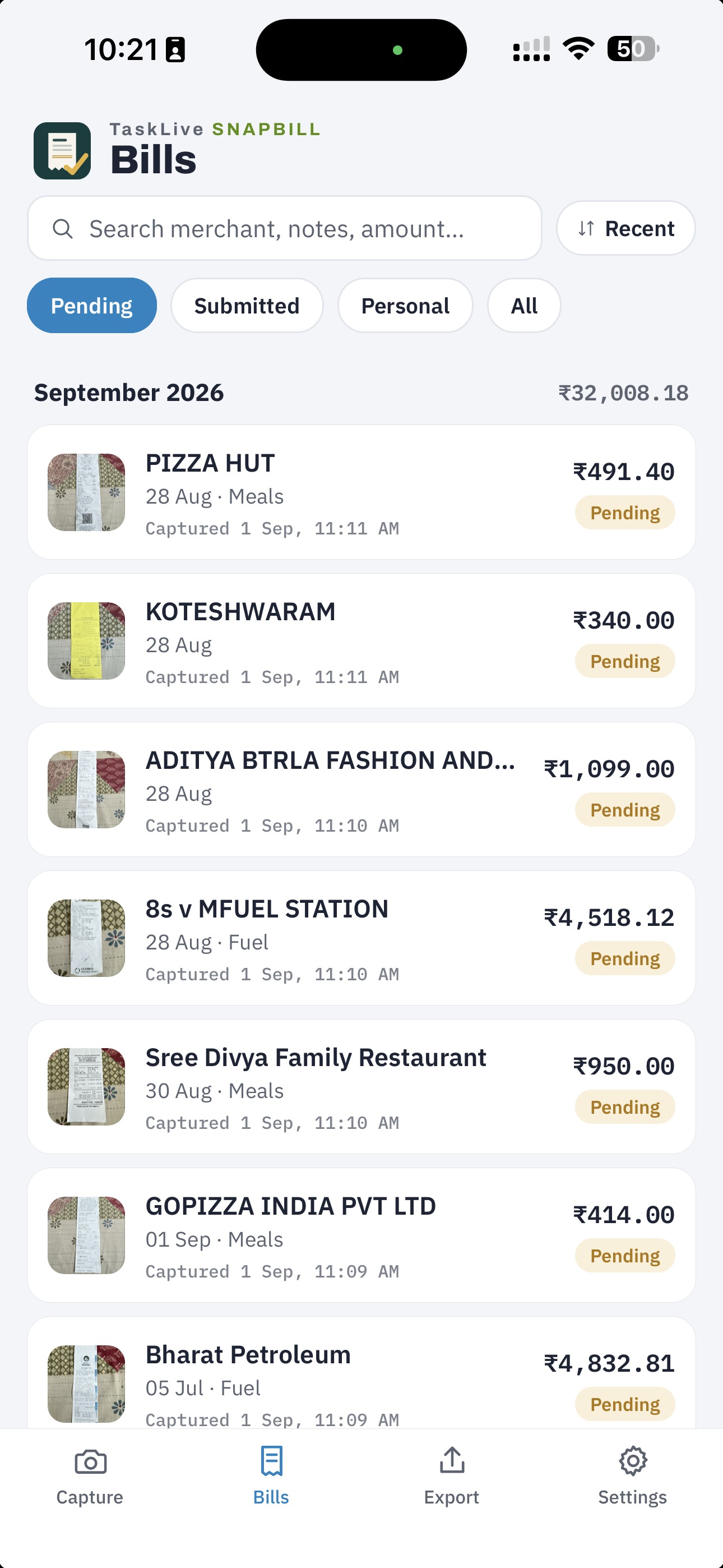
Android and iPhone
SnapBill is on its way to Google Play and the App Store. Once it is listed, you install it like any other app and updates arrive the same way. Android phones and iPhones on iOS 16 or later.
Want it before then, or want to know the day it lands? Contact us with the subject “SnapBill” and we will get you started.
After installing
- Grant the camera permission when asked. That is the only permission the app needs to work.
- The app opens on the camera. Point it at any bill and tap the shutter.
- There is no account to create. If you see a sign-in screen, you have the wrong app.
Tell us what it read wrong
Reports from early users are how the reading gets better. When a bill reads wrong, long-press the photo in Review, look at What SnapBill read, and tap Report a wrong read. The report is an email from your own mail app; you choose whether the bill text and photo go with it.